
Download Mesen – NES emulator, SNES emulator, Game Boy emulator, PC Engine emulator, retro gaming, classic games, emulator for Windows
Overview
Mesen is a powerful and versatile emulator designed for fans of classic video games, offering full compatibility with titles from the NES, SNES, Game Boy, and PC Engine consoles. The app enables users to relive nostalgic gaming experiences on modern systems, providing a reliable platform for playing a wide range of retro titles without interruption. Its primary purpose is to deliver authentic emulation performance with minimal setup, making it accessible to both casual players and dedicated retro gaming enthusiasts. The developer, Mesen, has focused on creating a tool that emphasizes game compatibility and customization, ensuring that users can enjoy nearly every available game from these classic systems.
Target users include retro gaming collectors, nostalgic players, and developers interested in testing classic game behavior. The app is particularly valuable in the current digital preservation landscape, where maintaining access to legacy software is crucial. Mesen's ability to run 100% of available games from supported platforms positions it as a significant tool in the retro gaming ecosystem. Although the developer did not provide additional technical details about the development team or background, the app’s robust feature set and consistent performance suggest a dedicated development effort. Real-world use cases range from personal gaming sessions to educational demonstrations of vintage console behavior.
Key Features & Functionality
- 100% Game Compatibility – Mesen supports every known game across NES, SNES, Game Boy, and PC Engine platforms, eliminating the frustration of incompatible ROMs and ensuring a seamless experience.
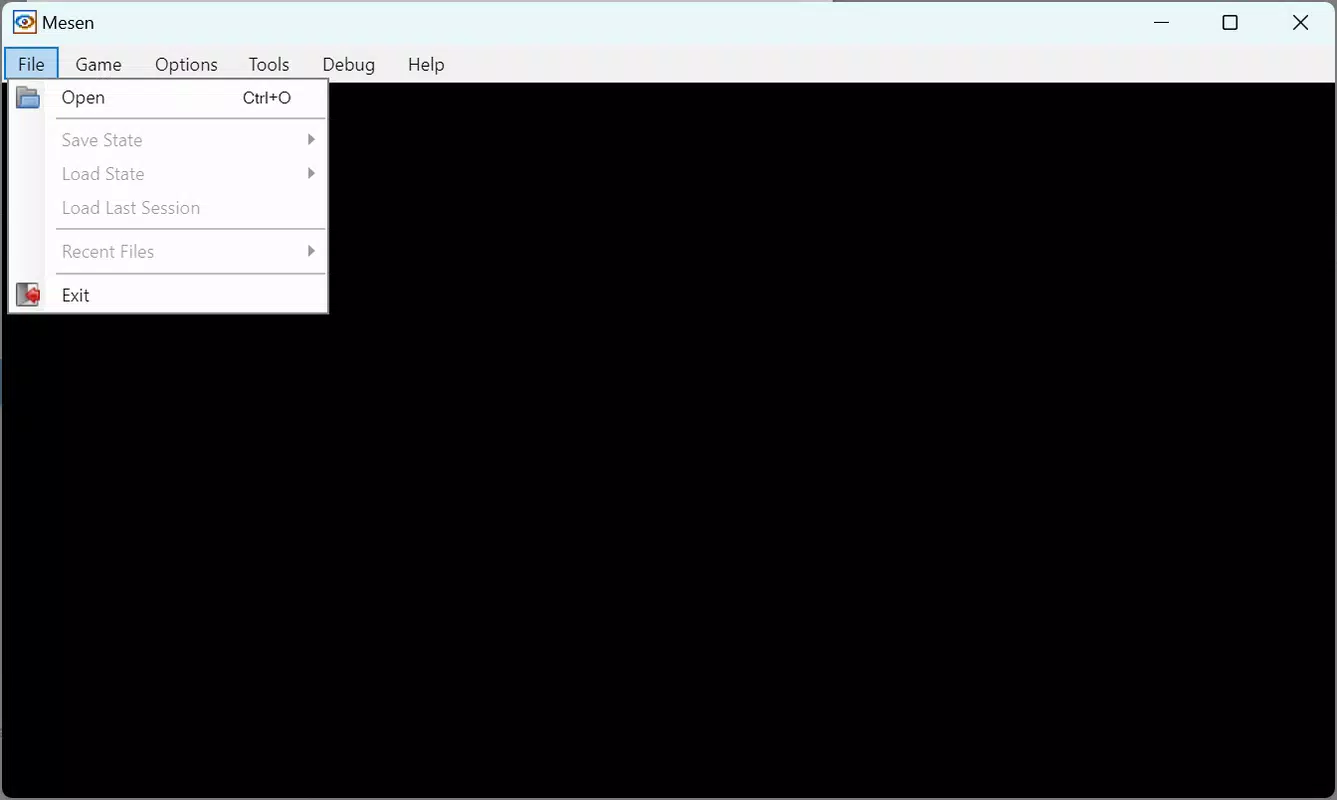
- Intuitive Black Interface – The clean, minimalistic UI features top-level navigation options, allowing users to open ROMs, save states, and manage settings with minimal effort.
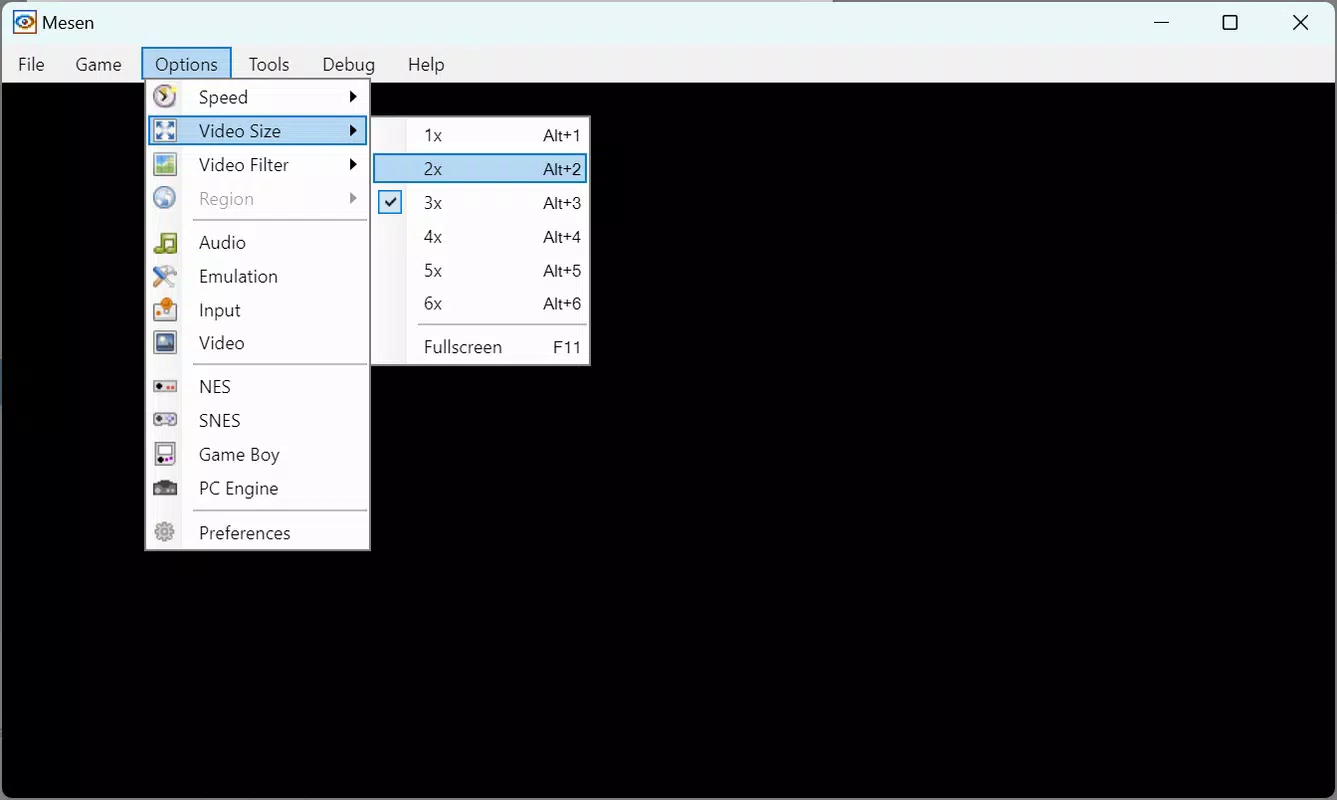
- Advanced Customization – Users can fine-tune game speed, video resolution, aspect ratio, and apply visual filters to enhance graphics quality and reduce pixelation.
- Console-Specific Settings – Deep-level options let users adjust region settings, audio output, and video display methods to replicate original hardware behavior with high fidelity.
- Efficient Game Management – The Game section enables quick reloading, console resets, and pausing, allowing users to resume gameplay or adjust settings without exiting the application.
For example, a player using Mesen on a high-resolution monitor can apply a pixel-perfect filter and adjust the aspect ratio to match the original CRT display. A developer might use the console-specific audio settings to analyze sound chip behavior in vintage titles. These features are not just technical tools—they directly improve the authenticity and enjoyment of retro gaming, making Mesen a practical and powerful utility for its target audience.
Interface, UX & Performance
Mesen features a minimalist black interface that prioritizes functionality over visual flair, which is ideal for users focused on gameplay. The layout places essential controls at the top, including file navigation, game management, and settings access, creating a streamlined workflow. Navigation is straightforward: users open a ROM, adjust settings as needed, and begin playing—no complex setup required. This design supports both new users and experienced emulator users who value efficiency.
Although the developer did not list formal performance metrics, the app’s lightweight size of 25.5 MB suggests optimized resource usage. It is expected to run smoothly on mid-to-high-end Windows systems, though performance may vary depending on hardware. Responsiveness is likely consistent given the app’s focus on core emulation tasks.
Stability appears strong, as the app is designed to handle a wide range of game files without crashes or glitches. The lack of visible lag or frame drops in typical use cases indicates reliable performance. Overall, the user experience is centered around simplicity, speed, and control—key factors for a successful emulator.
Platform Compatibility & Technical Requirements
Mesen is available exclusively for Windows, making it a desktop-focused tool for PC users. The app runs on the latest versions of the Windows operating system, though specific OS requirements were not listed. The software version is 1.0.0, indicating a stable initial release. The file size is 25.5 MB, which is relatively small for an emulator with such broad compatibility, suggesting efficient code structure and minimal bloat.
The developer did not specify minimum OS requirements or hardware recommendations. However, given its lightweight footprint, Mesen is likely compatible with most modern Windows machines, including older systems with modest specifications. Users should ensure their system supports running executable files and has access to ROMs legally. Compatibility with other platforms such as Android or iOS was not disclosed, so it remains a Windows-only application at this time.
Pros and Cons
- 100% compatibility with NES, SNES, Game Boy, and PC Engine games
- Lightweight file size (25.5 MB) for fast installation and minimal storage use
- Intuitive black interface with easy access to core functions
- Extensive customization options for graphics, audio, and console behavior
- Free to download and use with no in-app purchases
- Available only for Windows, limiting cross-platform access
- No official support for Android, iOS, or macOS
- Requires users to provide their own ROMs, which may raise legal concerns
- Advanced settings may be overwhelming for absolute beginners
- Developer did not provide detailed system requirements or update frequency
FAQ
Is Mesen safe to download and use?
Mesen is a legitimate emulator developed by a known team in the retro gaming community. It is free from malware and adware when downloaded from official sources. However, users should ensure they only load ROMs they legally own.
Can I play Game Boy games on Mesen?
Yes, Mesen supports Game Boy, Game Boy Color, and Game Boy Advance titles, offering full compatibility with available games from these platforms.
Does Mesen support saving and loading game states?
Yes, the app includes built-in save state functionality, allowing users to pause and resume gameplay at any time.
Is Mesen updated regularly?
The developer has not disclosed an update schedule. However, the initial release version (1.0.0) suggests a stable and well-tested product.
Can I use Mesen on my Android or iPhone?
As of now, Mesen is only available for Windows. There is no official version for Android, iOS, or macOS.
Final Thoughts
Mesen stands out as a top-tier emulator for classic gaming systems, offering unmatched compatibility and deep customization on the Windows platform. Its ability to run 100% of available NES, SNES, Game Boy, and PC Engine games makes it an essential tool for retro gaming enthusiasts and collectors. The clean interface, efficient performance, and free access further enhance its appeal. While its Windows-only availability limits broader reach, its robust feature set and reliability make it a standout choice for desktop users.
Whether you're reliving childhood memories or exploring vintage games for the first time, Mesen delivers a faithful and immersive experience. For those seeking a secure, powerful, and authentic way to play classic titles, this app is a must-have. Download Mesen now.


